Wake up to a phone call,not another ignored alarm.
Wake App rings your phone like a real call. Set the time, pick the days, and stop bargaining with snooze.

Alarms stopped working a long time ago.
The same chirp every morning is something your brain can mute in its sleep. A phone call can't be muted that way.
Harder to ignore.
A real ringing phone breaks through the autopilot that mutes every alarm chime. Your brain treats a call differently — and that's the whole point.
Built for routine.
Set the time once, choose the days, and trust it on Monday mornings forever. No bargaining with snooze. No drift.
Designed for heavy sleepers.
If you've slept through every alarm app on the App Store, this is the one designed around the problem instead of around the noise.
A small app that does one thing properly.
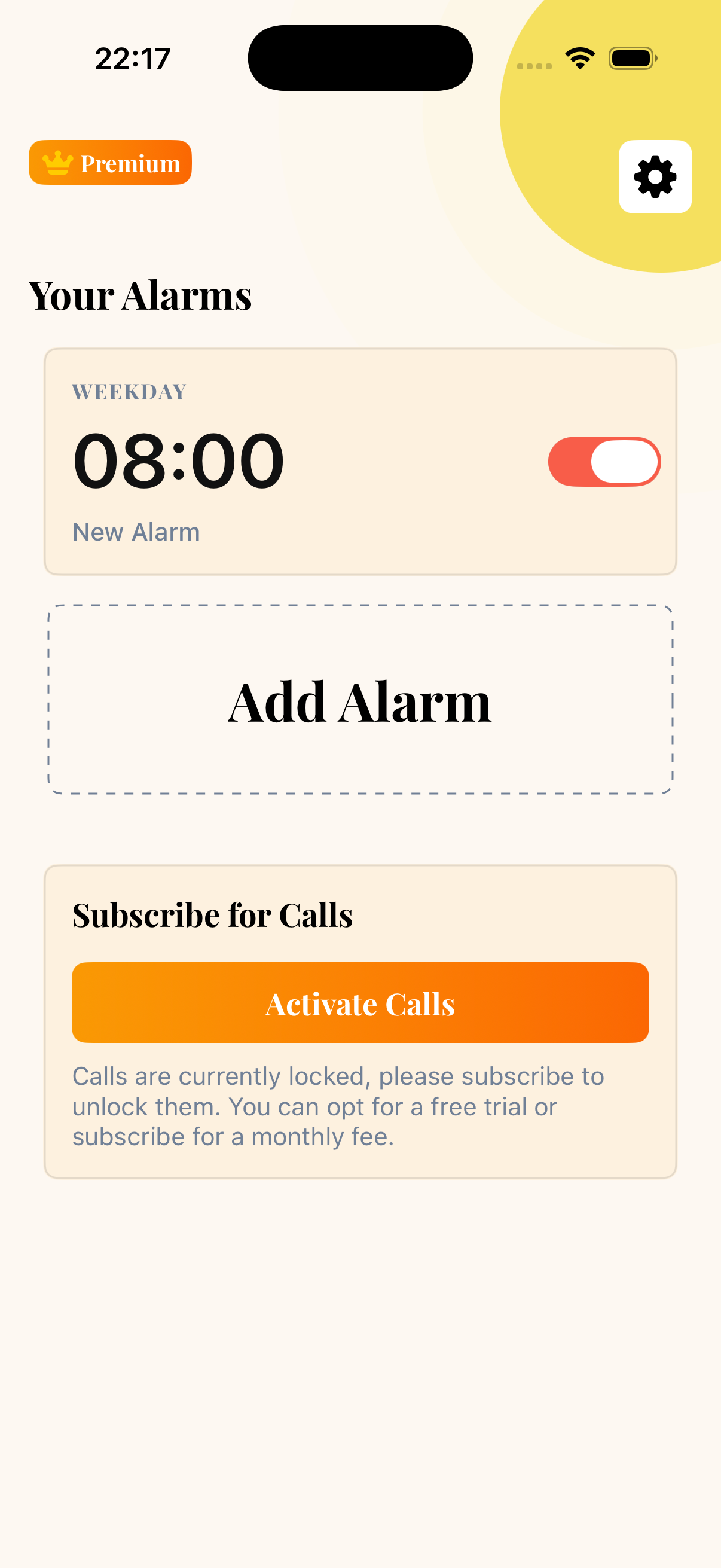
Your mornings, at a glance.
See every alarm you've set, when it rings, and whether you answered. A clean home for a clear morning.
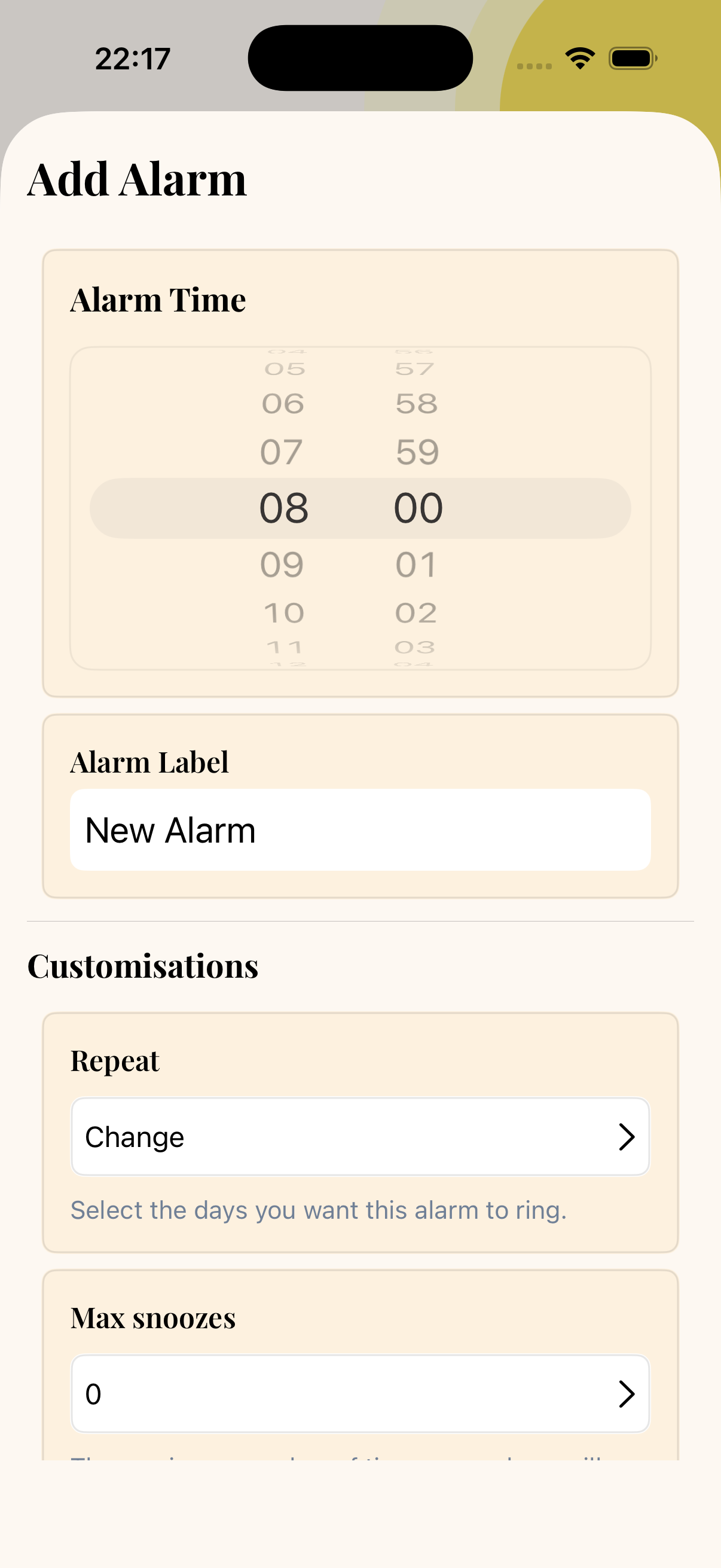
Set an alarm in three taps.
Pick the time, pick the days, tune snooze. No setup wizards. No five-tab settings menu.
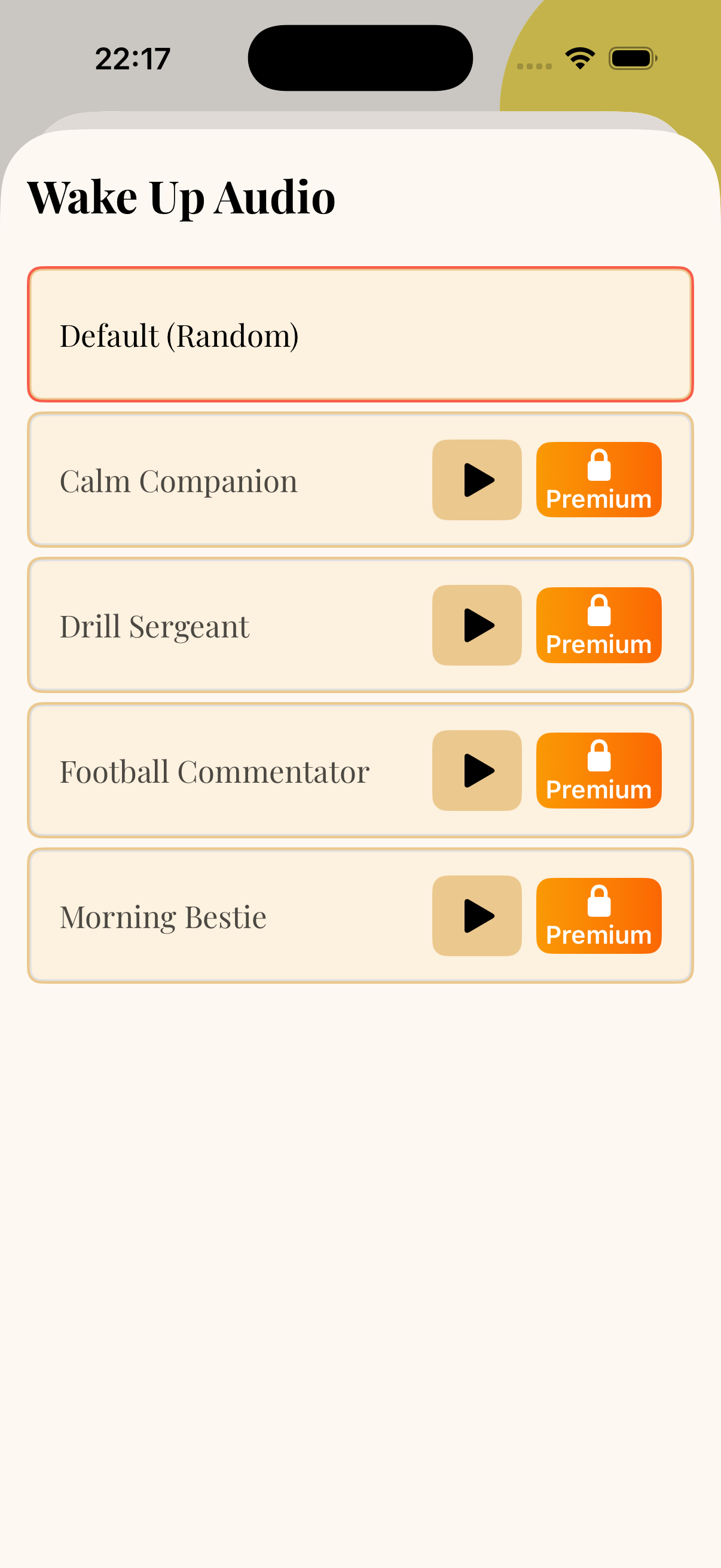
Choose how you wake.
Pick the voice and tone of your wake-up call. Calm, urgent, or somewhere in between — your call, your choice.
It really is a phone call.
A full incoming-call screen rings your phone the same way a real call does. No notification. No banner. No ignoring it.
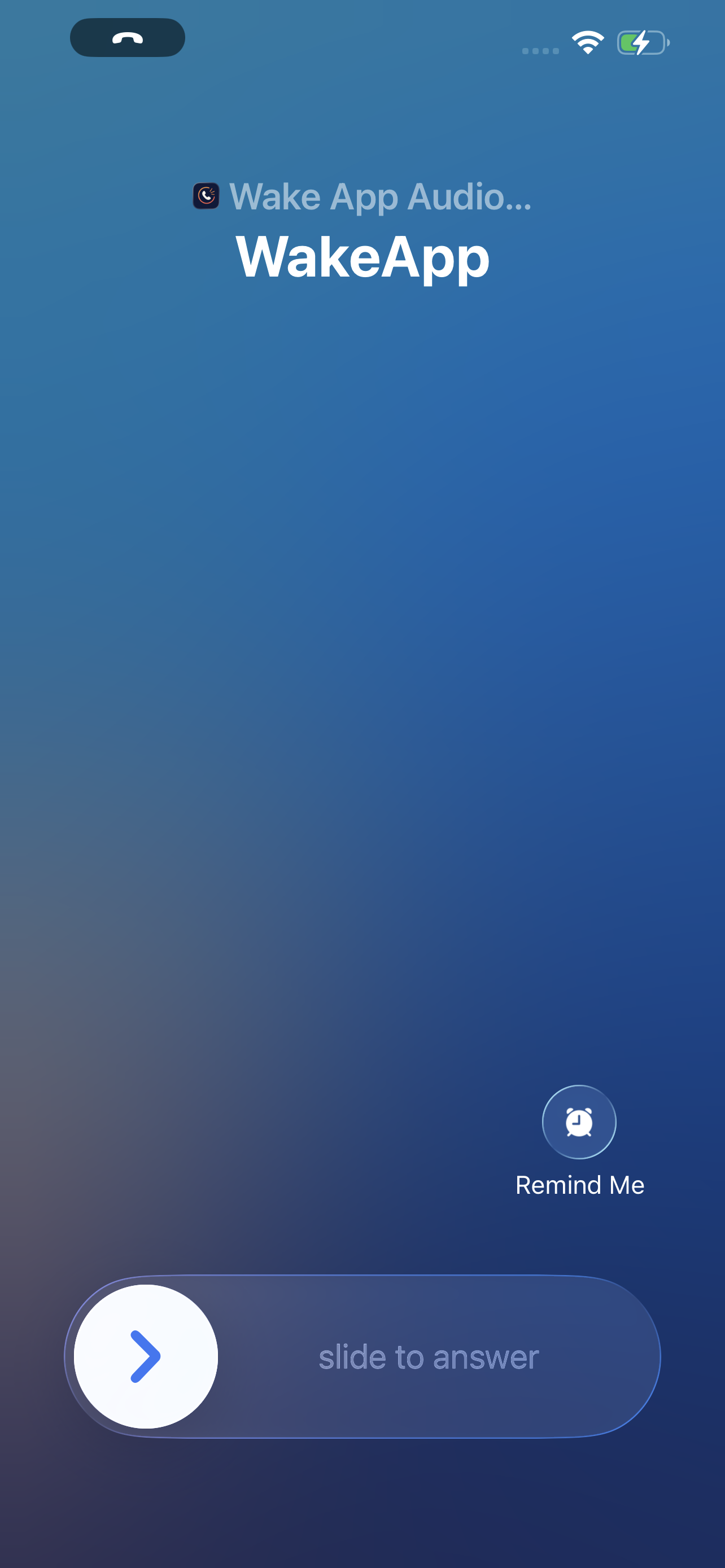
Answer to start your day.
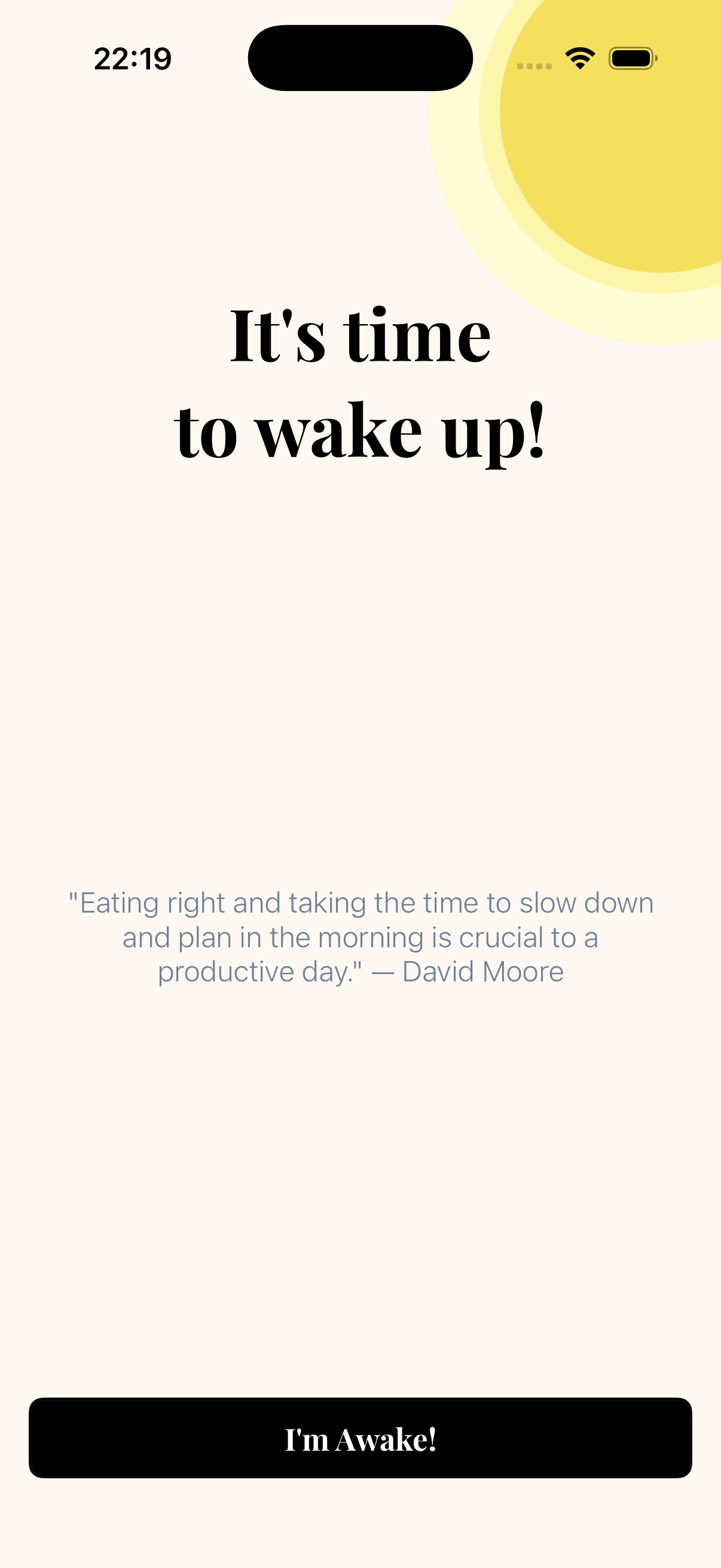
Tap answer and you're up. That's the contract. The day starts when the call connects.
Ready to actually get up tomorrow?